
News
Paying with Mobile Money from Africa: how it works and how to stay safe
Orange Money, Wave, MTN MoMo, Moov Money: how to pay for MigraGate services from your phone, which limits to plan for, how to check a payment and how to spot scams.
Contents
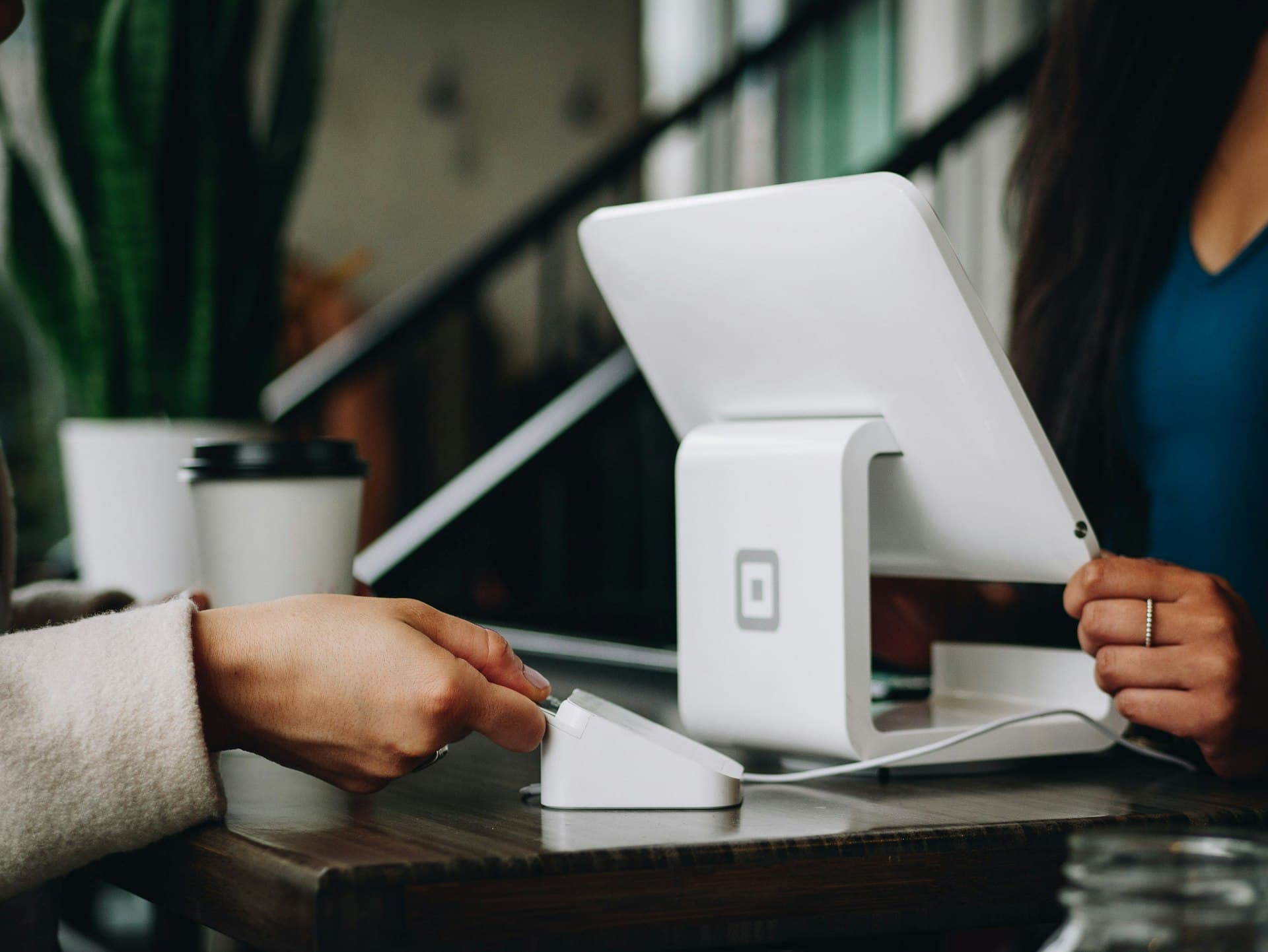
In West and Central Africa, Mobile Money has become the leading everyday payment method. It was only logical for it to become one for your international formalities too. As of this year, every MigraGate service can be paid from your phone, with no bank card and no trip to an office.
Accepted operators
Depending on your country, you can pay with the main mobile wallets: Orange Money, Wave, MTN Mobile Money, Moov Money and other local operators. The exact list available for your country appears automatically at the payment step.
How a payment works
- You confirm your order on MigraGate: visa file, invitation, insurance, ticket or accommodation.
- You choose “Mobile Money”, your operator, then enter the number of the paying wallet.
- Your phone receives a confirmation request: notification, USSD message or the app opening.
- You confirm with your PIN, directly on your phone. That PIN is never entered on our site.
- The confirmation appears on screen and you receive a receipt with an MG-PAY reference.
Plan for limits
Mobile wallets have per-transaction, daily and monthly limits that depend on the operator and your account verification level. For a study or immigration file, the amount may exceed the limit of an unverified account.
- Check your limit in your operator's app before ordering.
- Upgrade your account level at an agency with your ID if needed.
- For large amounts, ask your advisor for payment in instalments.
Fees and currency
The amount due is shown in your local currency, for example CFA francs, before any confirmation. Any operator transaction fees are clearly stated. The conversion rate is fixed when you order: what you see is what you pay.
Checking that a payment was received
A successful payment appears immediately in your client area, linked to your file. If your phone shows a debit but your client area does not after fifteen minutes, do not pay again: contact support with the transaction ID shown in your operator's SMS. We reconcile the transaction and, if it did not go through, the operator automatically returns the funds.
Recognising a scam
- You are asked to send money to a personal number instead of using the payment page.
- You are promised a guaranteed visa in exchange for a quick payment: no serious organisation can guarantee a consular decision.
- Someone writes from an account imitating MigraGate, with a slightly different name or address.
- You are pressured to pay “before tonight” or lose your file.
Other payment methods
You can also pay by bank card, bank transfer or, from Russia, through the SBP fast payment system. Whatever you choose, you get the same receipt and the same traceability in your client area.
Consular rules change: this article is for information only and does not replace official sources. An advisor can confirm the requirements that apply to your situation.
Written by
Amina Oumarou
Head of Sub-Saharan Africa
A specialist in West and Central African mobility, she leads our partnerships and local relays.
Take action
Your situation is unique. Get a tailored answer.
Ask the AI copilot, or hand your file to an advisor who will check every document before it is filed.
Read next
 Studies3 min read
Student visa for Russia in 2026: the complete guide
Admission, Ministry of Internal Affairs invitation, HIV test, consular filing, in-country extension: every step of the Russian study visa, in order and with real timelines.
Alexei Petrov Country guides3 min read
Arriving at a Moscow airport: SIM card, transport and migration registration
Border control, migration card, cash, SIM card, Aeroexpress or taxi, registration within 7 working days: your checklist for the first 48 hours in Moscow.
Marie-Claire Adjoa Visas3 min read
10 mistakes that get a visa refused (and how to avoid them)
Inconsistent bank statements, cancelled bookings, a rushed form, a passport about to expire: the ten refusal causes we see most often, with the fix for each.
Fatou Diop